Cafe POS System with Kitchen Screen: Cash Register, Kitchen and Staff in One Connection
16 March 2026
Read
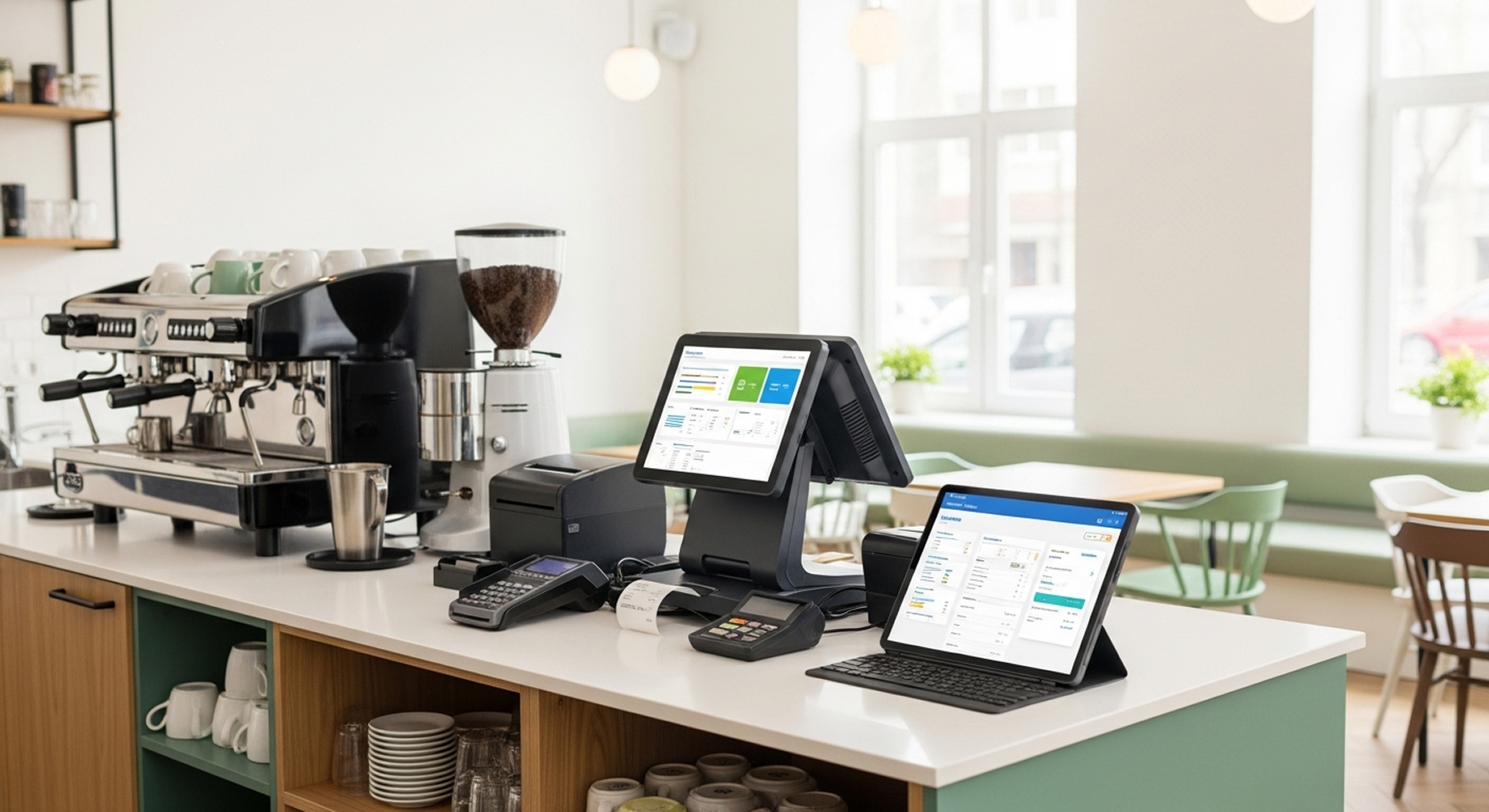
Establishment automation begins with understanding what to implement and why. Owners spend 15-20 hours weekly on manual sales accounting, inventory tracking, staff work monitoring — time that can be invested in development. Cafe software and automation system unite cash register, warehouse accounting, production in single platform without data duplication.
Establishment gains financial result control through work process automation from order reception to report generation. Cafe automation turnkey includes needs audit, equipment selection, software configuration, data migration, staff training and technical support at all stages.
Cafe automation system implemented gradually in 5-7 days from first contact to full operation. Current process audit reveals bottlenecks — where time is lost, where accounting errors occur, which work processes critical to accelerate. Needs determination built on business format, daily order quantity, delivery availability.
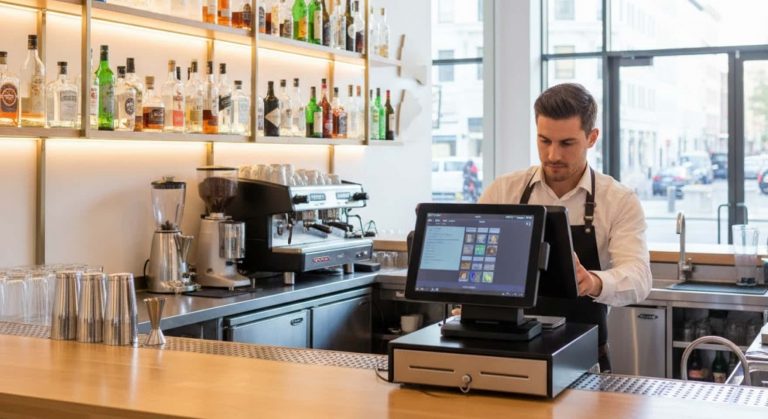
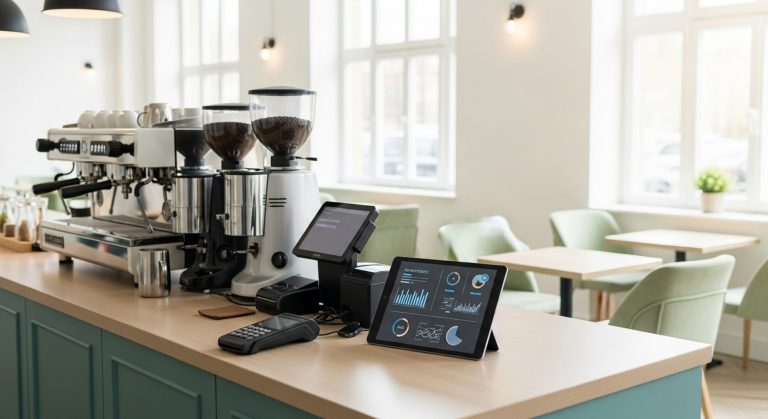
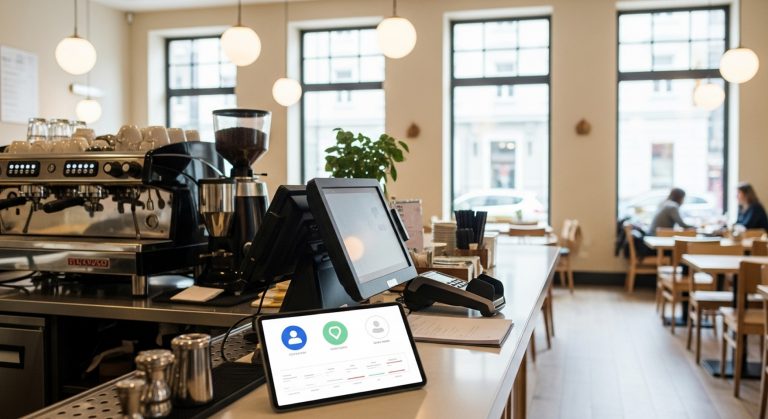
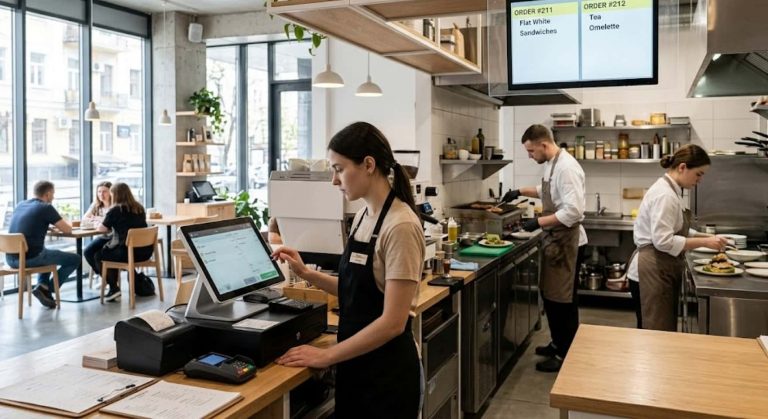
Needed equipment selection depends on work specifics. Takeaway coffee shop manages with basic cash register and receipt printer, cafe with hall requires waiter tablets, kitchen KDS screens, card payment terminals. Cloud POS system works on any devices including ready solutions and regular tablets.
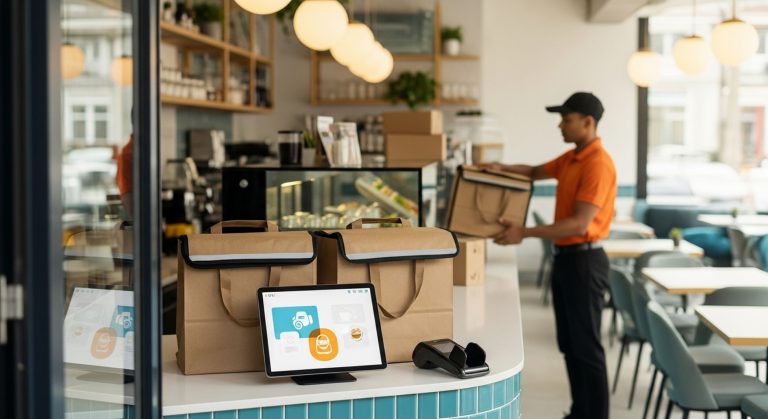
Automation software configured for your establishment specifics through module configuration. Cafe with delivery connects delivery software and aggregator integration, restaurant activates table booking module, confectionery uses special production accounting. Cafe automation software adapts to establishment processes, not vice versa.
Staff access rights configuration needed at implementation stage. Waiter sees only order reception, bartender bar items, manager sales statistics, administrator full finance and analytics access. Separation protects data and simplifies each employee work.
Data migration takes 1-2 days depending on information volume. Menu transferred with prices and recipe cards, warehouse inventory entered through inventory check, customer base imported from CRM or tables. Accounting software starts working with ready data without need to fill everything from scratch.
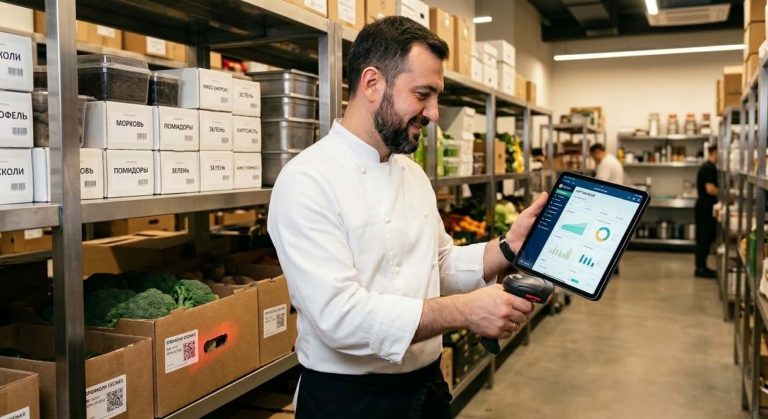
Warehouse accounting launches after inventory and supplier entry. Supplier invoices imported automatically when electronic document flow connected. Inventory conducted for actual balance reconciliation with accounting data.
Staff training passes by groups depending on functions. Waiters master tablet order reception in 1-2 hours, bartenders learn working with items and modifiers, managers study reports and analytics, administrators get full access to all modules including accounting management.
Syrve for waiters convenient interface allows starting work after minimal training. Application shows dishes with photos, automatically calculates order amount, sends item to kitchen with one press. Usage simplicity reduces order entry error quantity.
System testing passes parallel with current processes for 3-5 days. Owner compares program data with actual sales, checks recipe card write-off correctness, analyzes order processing speed. Program advantages become obvious when accounting generates report in 30 seconds instead of 2-3 manual work hours.
Debugging corrects configuration errors before complete automation transition. Waiter accidentally punched wrong item — check cancellation rights configured. Dish written off incorrectly — recipe card corrected. All nuances revealed and eliminated in test mode.
Restasystem support works in real time via chat, phone, remote access. Technical support responds within hour, critical problems solved priority. Software updates install automatically in cloud version without establishment work downtime.
Knowledge base and video instruction access helps staff find typical question answers independently. New waiter studies interface by video in 20 minutes, administrator configures new menu item by step-by-step instruction.
Implementing automation without process audit leads to unnecessary module purchase. Takeaway coffee shop doesn’t use table booking, cafe without hall doesn’t need kitchen KDS screens. Needs analysis saves equipment and license costs.
Staff one-day training before launch creates stress and errors. Employees need 2-3 days test mode practice to get used to new work processes. Gradual transition reduces change resistance.
Refusing parallel accounting in first week risky. Owner cannot reconcile program data with actual sales, identify dish cost configuration errors, verify financial report correctness. Launch duplication guarantees one system accuracy.
Cafe automation transforms chaotic business management into structured finance, accounting, sales control. Cash register synchronizes with warehouse automatically, report generated in seconds, statistics show income per menu item. Automation software pays back in 4-6 months through shortage reduction, staff time savings, service speed increase. Cafe accounting accuracy and real-time finance and analytics become foundation for your food service establishment development decisions.