Food Service Management Accounting Through Syrve: P&L, Cash Flow and Dish Profitability
3 March 2026
Read
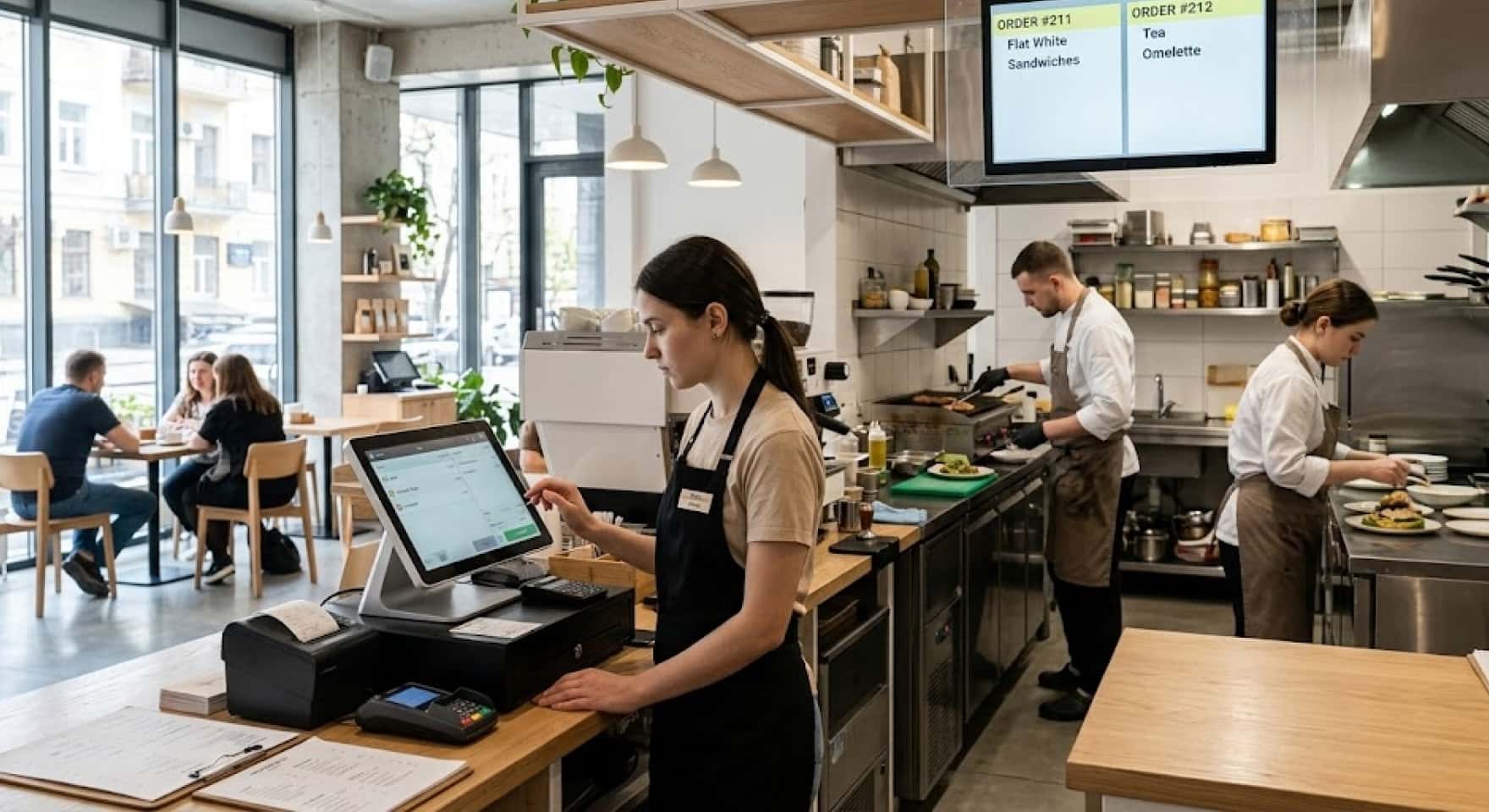
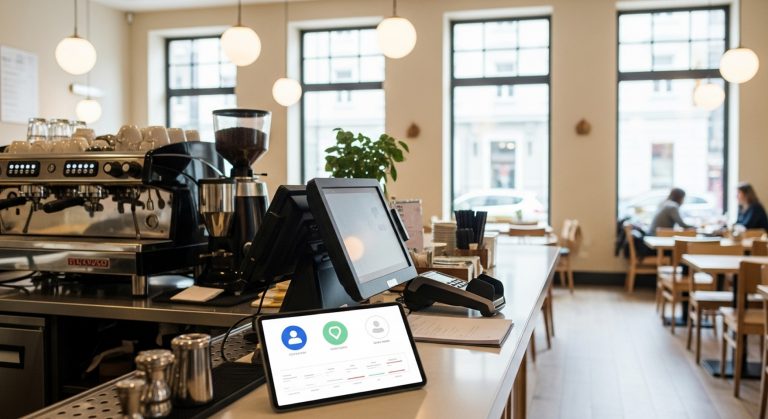
Cafe POS system — not just cash register. It’s point where hall, kitchen and accounting converge. While cash register and kitchen work independently from each other, human factor lives between them: waiter forgot to transfer modifier, cook didn’t hear, order went to wrong queue. Syrve connects cafe cash register software with kitchen screen into unified flow — without verbal transfers and paper tickets. This article tells how it works, what needed for launch and how to train staff without week-long downtime.
Cash register and kitchen connection software in Syrve built through KDS — kitchen display that receives orders directly from cash register or mobile waiter. Order punched — it’s already on cook screen. Without printing, without shouting across distribution.
Restaurant kitchen screen KDS shows kitchen order sequence, arrival time and each item status. Cook marks readiness — waiter receives signal. Dish cooking time control conducted automatically: system records how many minutes passed from order moment to “ready” mark.
Cafe POS software in Syrve supports multiple kitchen stations simultaneously. Cold workshop sees own, hot — own. Order not duplicated entirely — each item goes to needed station.
Cook workstation software in Syrve — screen with clear queue and minimum excess. No tables and settings menus. Only orders, items and timer. Cook presses one button — item transitions to “ready” status.
KDS cook screen setup takes 30–60 minutes. Status colors configured, display order, sound signals at new order. If kitchen works two shifts with different cooks — each adapts to interface in half day, no longer.
One nuance: with unstable internet KDS can work with delay. This solved by local network inside establishment — separate router for system. Better anticipate this at installation stage, not after first Friday evening failure.
Cafe POS terminal setup in Syrve includes menu, modifiers, hall layout, payment methods and access rights for each role. Cashier sees one thing, manager — another, owner — everything. This doesn’t require programmer — administrator handles independently in 2–3 hours.
Cafe kitchen accounting system through POS automatically writes off ingredients at each sale. Sold 10 pasta portions — system removed from warehouse flour, cheese and sauce by recipe card. Without manual entry, without end-of-day discrepancies.
Syrve implementation from scratch in small cafe takes 3–5 days. During this time cash register configured, kitchen screen, menu and basic warehouse accounting. First two days — most intense: staff not yet adapted, work speed drops. By first week end everything levels out.
Syrve work training — separate topic often underestimated. Owner thinks: install system, they’ll figure out themselves. In practice without basic training first week turns into chaos and sabotage.
How to train Syrve staff — depends on role. Cashier needs 3–4 hours: take order, punch payment, close shift. Cook — hour on KDS: accept order, mark readiness. Manager needs more: reports, warehouse, access rights, settings — this is 1–2 days.
Syrve courses in Ukraine available through official system partners. Restaurant system online training covers basic modules, there are video tutorials on specific functions. Syrve certification confirms system proficiency level — useful if expansion and new employee hiring planned.
Cafe POS system with kitchen screen stops being expense item and becomes control tool — when everything configured and staff works confidently. Orders don’t get lost, cooking time under control, warehouse writes off itself. System pays back in several months through error reduction, losses and manual labor. How launch looks specifically for your format — can discuss with our Restasystem team, and details on Syrve training available on website.