Cafe POS System with Kitchen Screen: Cash Register, Kitchen and Staff in One Connection
16 March 2026
Read
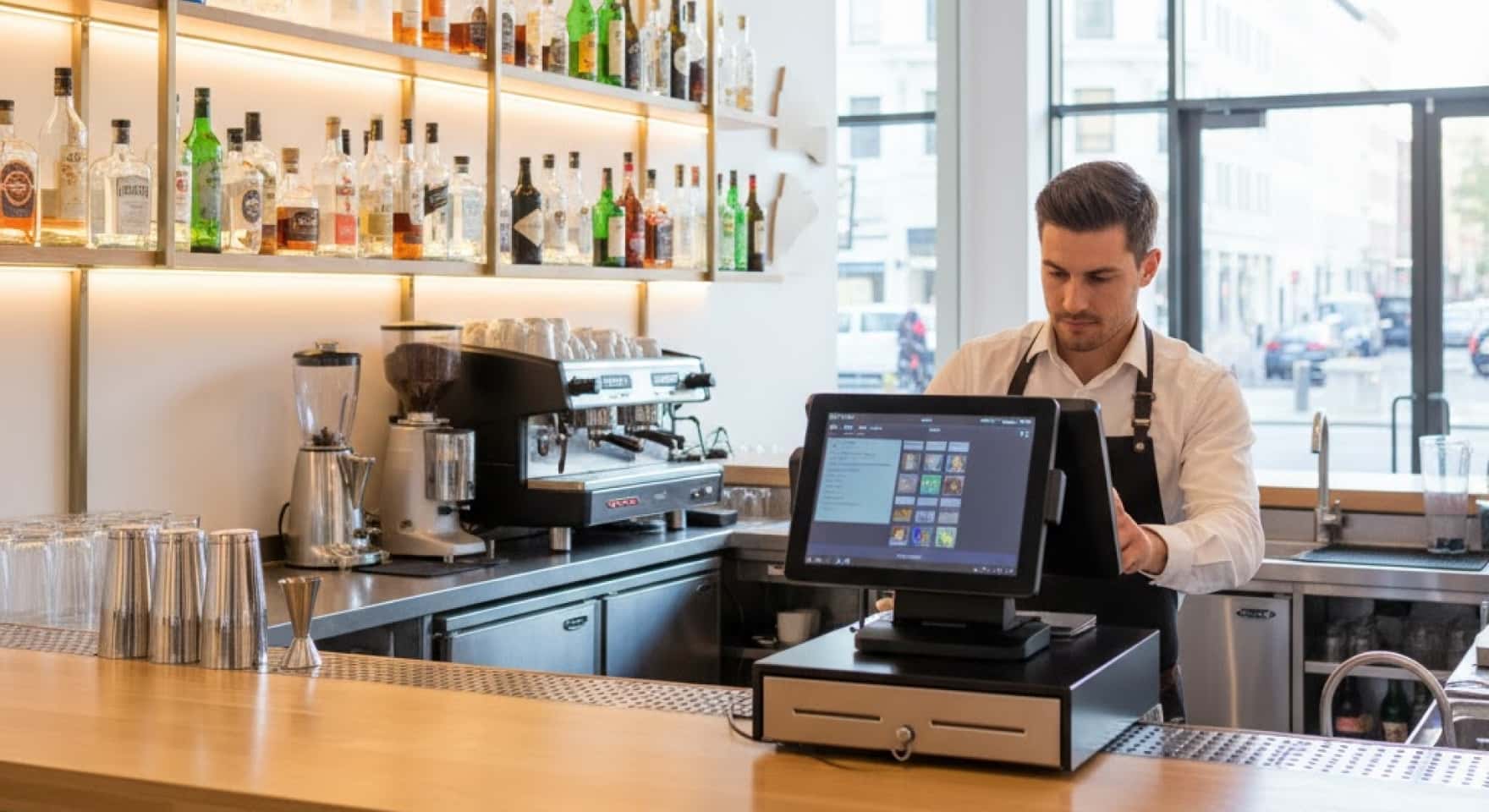
Syrve for bar — topic that grows myths faster than owner manages to figure out. Some think it’s expensive and only for chains. Others take maximum package and pay for functions they’ll never open. Bar automation cost depends not on establishment size but on what’s really needed in work. This article — honest breakdown: what cost consists of, which modules bar needs, and what not worth paying for.
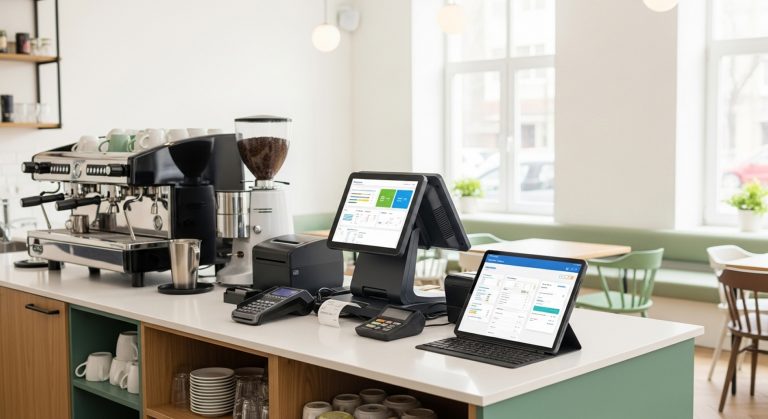
Syrve tariffs built on modular principle. There’s basic license — cash register, menu, sales accounting. Then modules connect: warehouse, CRM, delivery, kitchen screen, integrations. More modules — higher program subscription.
Syrve license costs differently depending on location number and selected function set. For one bar without delivery and complex analytics basic package covers 80% needs. Overpayment begins where owner takes “everything at once” — for reserve.
Bar software at Restasystem selected for specific format: bar counter, bar with kitchen or bar-restaurant — function sets different, and no need to overpay for excess.
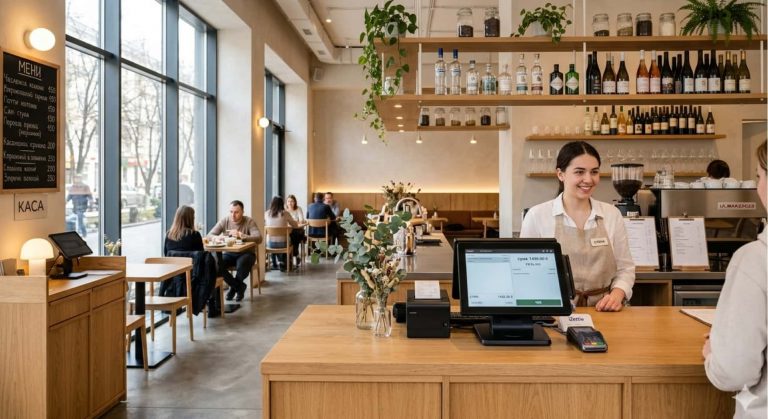
Start with basic. Bar POS — cash register with fast interface for bar menu: cocktails, draft, bottled. Bartender shouldn’t scroll long lists during peak hours. In Syrve items grouped by categories, quick buttons configured for specific bar in half hour.
Bar accounting software — second mandatory block. Bar alcohol accounting software maintains automatically: every poured cocktail writes off ingredients by recipe. Bar gets pour control through actual versus norm report. If bartender pours 10% more than norm — it’s visible same day, not at Monday inventory.
Cocktail accounting recipe in Syrve built through recipe cards. Prescribed composition and weight once — system itself calculates cost and controls balances per ingredient.
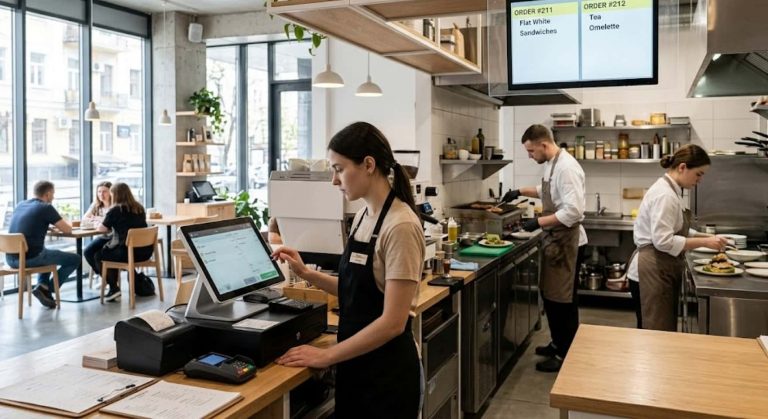
Bar accounting system — not same as full restaurant package. Bars with one location and without delivery most often don’t need: delivery module, kitchen screen, extended CRM with segmentation and table booking management module.
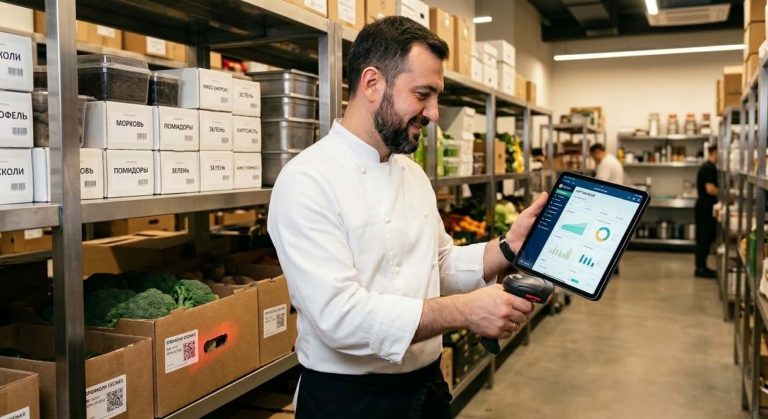
Bar counter automation at start requires three things: cash register, warehouse accounting and basic reporting. This enough to close main losses and establish accounting order. Rest can connect later — when establishment grows or specific task appears.
Cafe management system and bar in Syrve scales: started with minimum, added module in three months. No need to pay for everything at once.
Automation system price comparison — useful activity but with caveat. Cheap solutions often lack proper warehouse accounting or don’t support PRRO integration. Result is startup savings turns into manual work and errors.
Syrve — not cheapest market solution. But it’s system with real warehouse module, tech support and regular updates. For bar where alcohol comprises 60–70% cost, accurate pour and balance accounting pays price difference in 2–3 months.
How much Syrve costs compared to inaccurate accounting losses — question each owner decides themselves. But most who counted real shortages before and after implementation name figure from 8 to 15% of monthly turnover.
Launch takes 3–5 days. First week staff adapts to interface — this is normal. After 2–3 weeks bar work becomes noticeably faster: fewer punching errors, fewer questions “how much gin left”, fewer inventory discrepancies.
Syrve prices and specific module set for your bar format can discuss with Restasystem team — without obligations and excessive presentations. System pays back in 4–6 months, and this isn’t marketing thesis but result that losses finally become visible.