Fiscalization in an establishment: PRRO, online cash register, and POS system integration
28 September 2026
Read
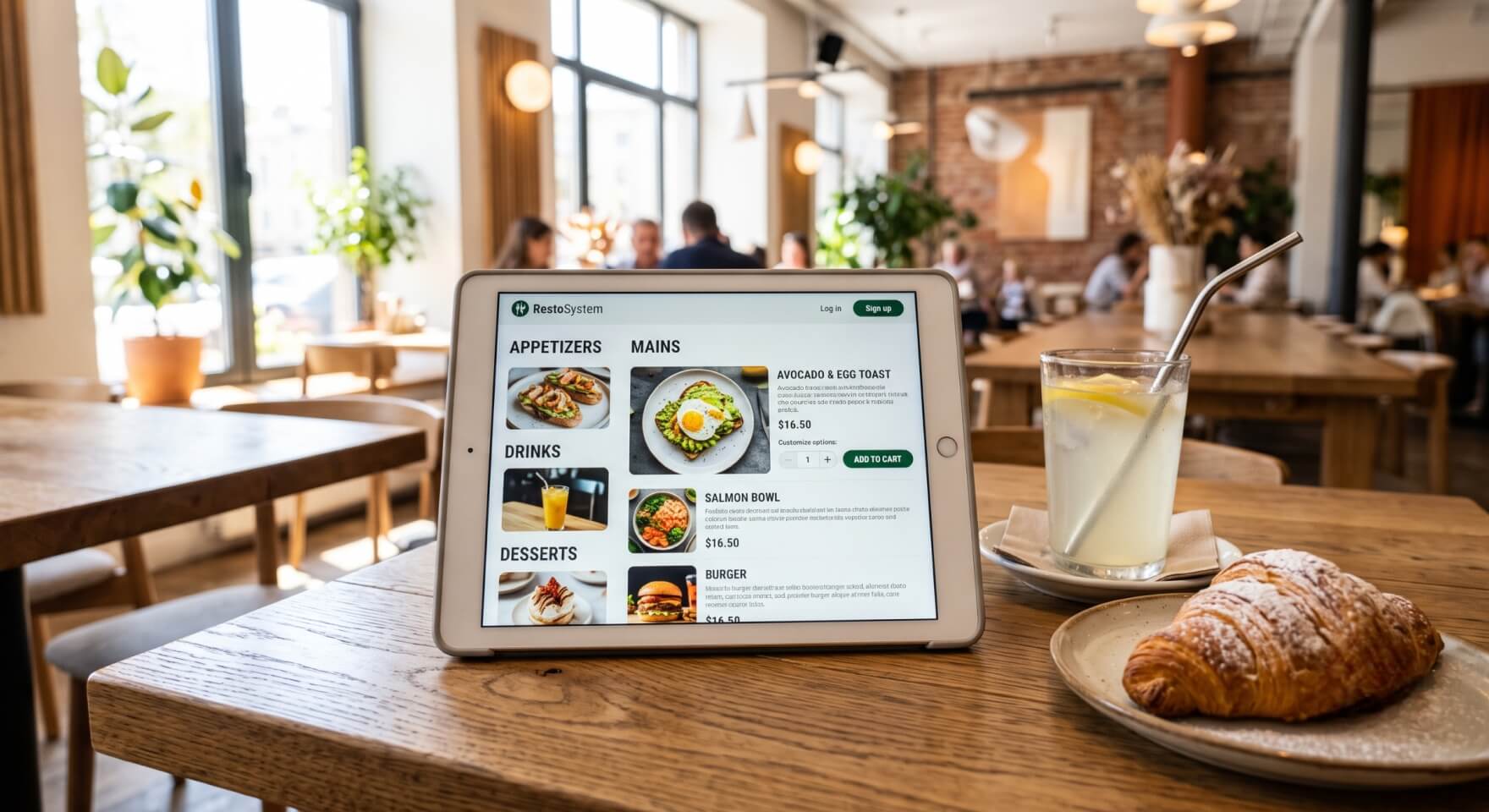
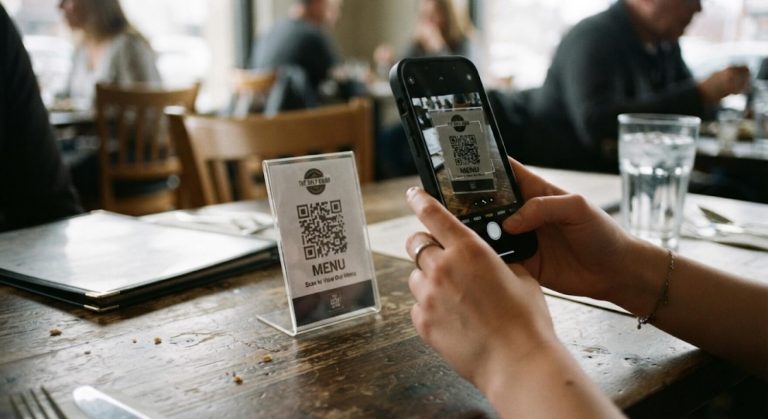
Slow service during peak hours eats up to 15% of the establishment’s revenue. The guest does not want to wait 10 minutes for a waiter to place an order, and then the same amount of time to get the check. Moreover, using paper menus generates constant operational losses: prices change, pages get dirty, and the owner has to spend the budget every month to print them. The solution that directly affects profitability and table turnover is the comprehensive automation of the order-taking process. When the electronic menu in the restaurant is integrated with the cash register, the client scans the code, immediately sees the current offers, and independently forms a cart. This eliminates traffic jams in the hall, reduces the payroll load, and excludes check fraud.
Many restaurant business entrepreneurs still confuse the concepts. A standard free qr menu for a restaurant is usually a regular link to a static PDF image. The guest points the phone with a camera, opens the file in a browser or a special application, but to place an order, they still have to look for the staff.
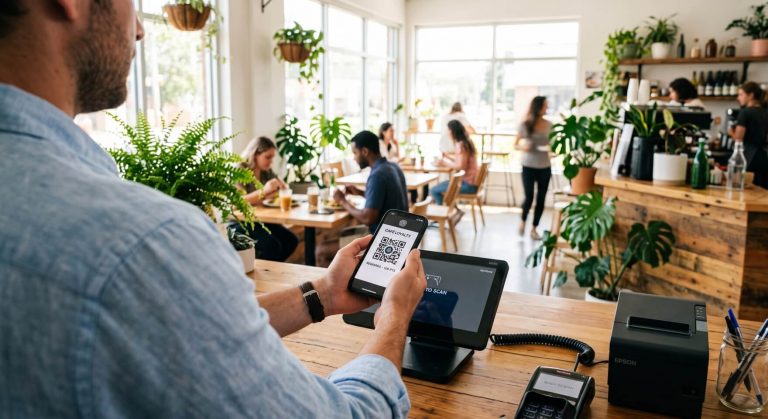
A modern online menu works fundamentally differently. It is a full-fledged digital interface where available dishes and drinks are pulled directly from the accounting system in real time. Creating a menu of this format turns the client’s smartphone into a full-fledged terminal. Having gained access to the menu, the guest sees high-quality photos of dishes, detailed descriptions, and calorie content. The main thing is that the interactive menu allows you to send an order straight to the kitchen.
The implementation of a digital menu affects two key metrics: audience loyalty and net profit. Let’s look at the main advantages.
For the guest, it’s total convenience. No need to waste time and wait for a waiter with a terminal. Clients are given the opportunity to place an order immediately, browse the menu during dinner, and instantly order additional drinks or desserts.
For business, an electronic menu in a cafe optimizes processes:
The advantages of a qr-menu for your restaurant are obvious: now one hall employee can qualitatively manage not 4, but 7-8 tables.
By itself, a qr-menu for restaurants does not give the maximum effect without binding to the accounting database. Deep order taking automation in a cafe unites the guest’s phone, terminal, and KDS screens in the kitchen into a single organism.
As soon as the client confirms the choice, the data instantly goes to the POS. The chefs immediately see the electronic ticket on the screen and start cooking. At the same time, the mobile waiter SyrveWaiter receives a notification about a new table. The cashier masters this intuitive POS interface in 15 minutes, and the cash register is able to work and punch checks even without the Internet. All movements of goods are automatically written off from the warehouse, forming a transparent food cost.
To set up a qr-menu in an establishment, you do not need to hire a staff of IT specialists. A special program for creating a restaurant menu online allows the manager to make changes in seconds.
It is enough to create a qr-code and generate stickers with a qr-code for each table. You can easily edit the menu: hide a dish that has fallen into the stop list, change prices, or add seasonal offers. Information about available dishes is updated instantly. Creating an online menu allows you to flexibly manage margins: if the cost of salmon has increased, you change the price in the database, and the new numbers are immediately reflected in the digital menu for the restaurant.
From the practice of Restasystem experts: one of the popular pubs lost up to 20% of seating on Friday evenings. Guests studied the worn pages of the paper menu for a long time, waiters did not have time to take orders, and chaos reigned in the kitchen with printed checks.
Comprehensive Syrve restaurant business automation completely changed financial indicators. After gluing qr codes on tables, the speed of seat turnover increased by 18%. Visitors gained quick access to orders by reading the code with a camera. Thanks to ABC analysis, the owner, through the dashboard panel on his phone, saw exactly which positions generate the most profit through the use of a qr menu, and optimized purchases.
Creating a menu for restaurants in 2026 is not just drawing a beautiful design. It is the implementation of a powerful sales tool that controls service, accelerates turnover, and increases the profit of your business.