Table reservation system: how not to lose guests and maximize hall occupancy
30 August 2026
Read
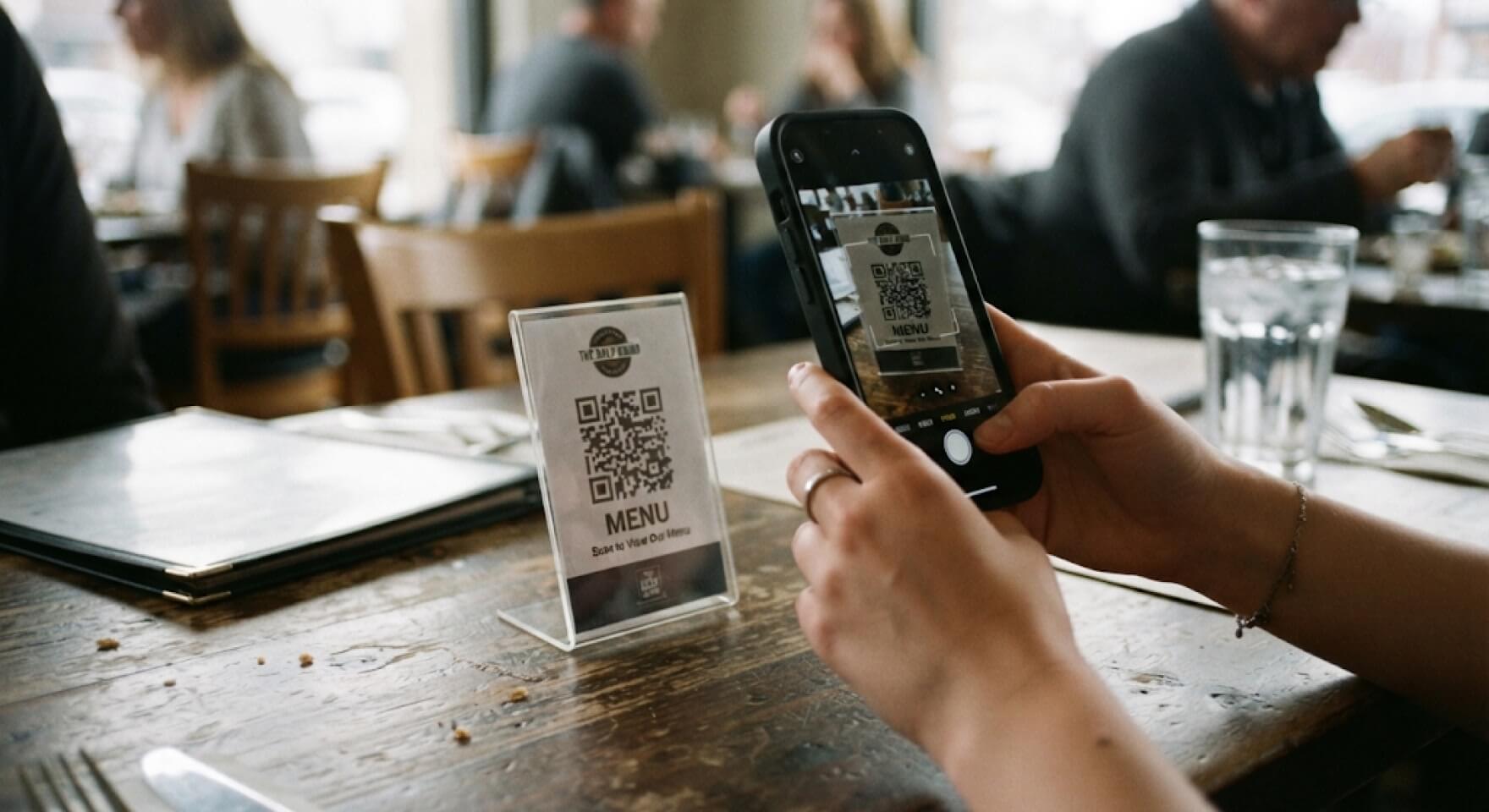
Printing seasonal offers and classic price lists quarterly drains from $500 to $1500 from the budget. Waiters spend up to 30% of their working time simply carrying cardboard between tables. A full-fledged QR menu for a restaurant, integrated with the accounting system, reduces these operational costs to zero and speeds up table turnover by 15-20%. This has a direct impact on the establishment’s P&L. The guest instantly gets access to the assortment, and the owner sees the real sales picture in the dashboards.
To understand the main advantages, it is enough to look at the expense items. Creating a classic menu requires the work of a designer, color proofs, printing, lamination, and purchasing folders. A paper menu wears out quickly. A coffee-stained sheet must be reprinted.
An electronic QR menu completely eliminates these expense items. You only pay for the software license and printing stickers for the tables. The advantages of a QR menu are obvious: the establishment stops spending money on printing, and the investment pays off in the first month of operation. This is pure mathematics for HoReCa.
The market often offers surrogates. Uploading a PDF file to Google Drive and generating a code is not digitalization. It is inconvenient for the client to zoom in on small text on a smartphone screen.
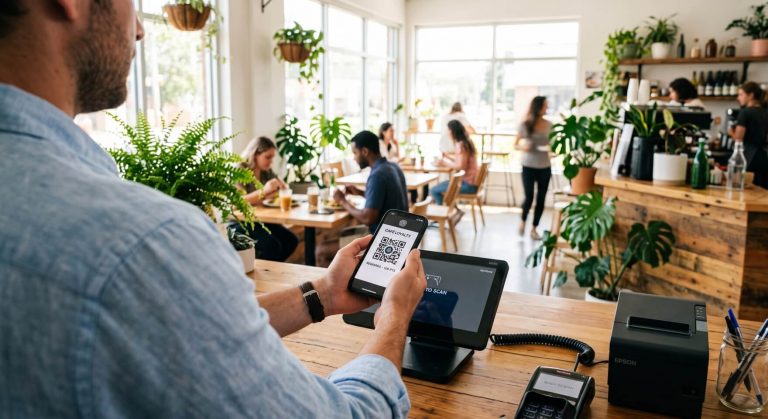
A modern online menu is a full-fledged website with an adaptive interface. There are categories, convenient search, and filters. The highest level is when an electronic menu and order taking automation work as a single mechanism. The guest scans the QR code, chooses dishes, and independently sends the ticket to the kitchen.
Food cost changes every week. Reprinting price lists after every jump in salmon prices is impossible. An online menu allows you to quickly make changes in two minutes.
The biggest pain of a paper menu is stop-lists. The waiter takes an order, goes to the terminal, finds out about the lack of ingredients, and returns with apologies. This annoys your guests. Integrating the establishment’s electronic menu with the POS system solves this automatically. As soon as the basil for pizza runs out in the warehouse, the item disappears from smartphone screens.
People buy with their eyes. Detailed photos of dishes and juicy descriptions increase conversion. In printed menus, adding pictures to every page makes it look like an encyclopedia.
A digital menu for restaurants provides endless space. You can add photos of all available dishes and drinks. It is important to indicate calories, macros, and allergens. The availability of information about available dishes with detailed composition builds trust. A convenient interactive restaurant menu sells better than a trainee.
In pubs on a Friday evening, the ability to place an order without waiting for staff is a lifesaver. Clients do not look around for an employee to repeat a beer. They just press a button. This radically increases the number of checks.
From our implementation practice: in establishments with high traffic, a QR menu for establishments relieves the hall by 40%. For the premium segment, this format is not always appropriate. There, personal contact is important to the guest. In such cases, a QR code menu works only as a showcase, and orders are taken by staff via the SyrveWaiter mobile app.
An electronic menu must be deeply integrated with the cash register. If the service exists separately from accounting, the waiter will have to manually re-enter the data. This creates chaos.
When processes from order to dish serving are set up via Syrve, magic happens instantly. The client clicks “Order”, and the information immediately appears on the kitchen screens (KDS) and the assembler’s screen. Even if the internet in the establishment goes down, Syrve terminals will continue to work in offline mode. Data will be synchronized later.
A restaurant owner must rely on numbers. Ordinary cardboard does not collect statistics. An electronic QR menu tracks every click in your restaurant.
You see that the “Ribeye” steak is viewed 100 times a day, but bought only twice. This is a signal to check the price or the photo. Detailed ABC menu analysis inside Syrve shows the real sales leaders. You can edit items based on hard data, not the chef’s intuition.
An electronic service will never forget to offer sauce with french fries. Setting up cross-selling in an electronic format is very simple. The system automatically suggests the perfect wine for the selected fish or dessert for coffee.
Competently configured recommendations are guaranteed to increase the average check by 10-15%. The guest adds related goods to the cart themselves. This is an unobtrusive but extremely effective sales tool in catering establishments.
Fine dining restaurants with an above-average check sell emotion and service. Scanning codes ruins the atmosphere of a classic evening. Here, the story about the origin of the truffle and the vintage of the wine is important.
But even in such projects, the back office must work perfectly. Comprehensive cafe automation with Syrve allows waiters to use tablets to instantly transmit tickets to the kitchen. You keep the premium facade while having a powerful digital engine inside.
To implement a menu and get results, you need a clear algorithm. Stage one is creating an online menu based on the existing nomenclature from the POS. Next is adding high-quality photos and checking grammar.
Stage three is generating and creating a QR code. After this, all that remains is to print stickers with the QR code and set up the QR menu in the establishment. The Restasystem team takes care of all technical integration. The right set of services makes life easier for the owner. You get a tool that collects a database of reviews, controls service through reviews, and generates profit from your menu every day.