Fast Food Automation: Fast POS, Queue Management, and Combos
26 November 2026
Read
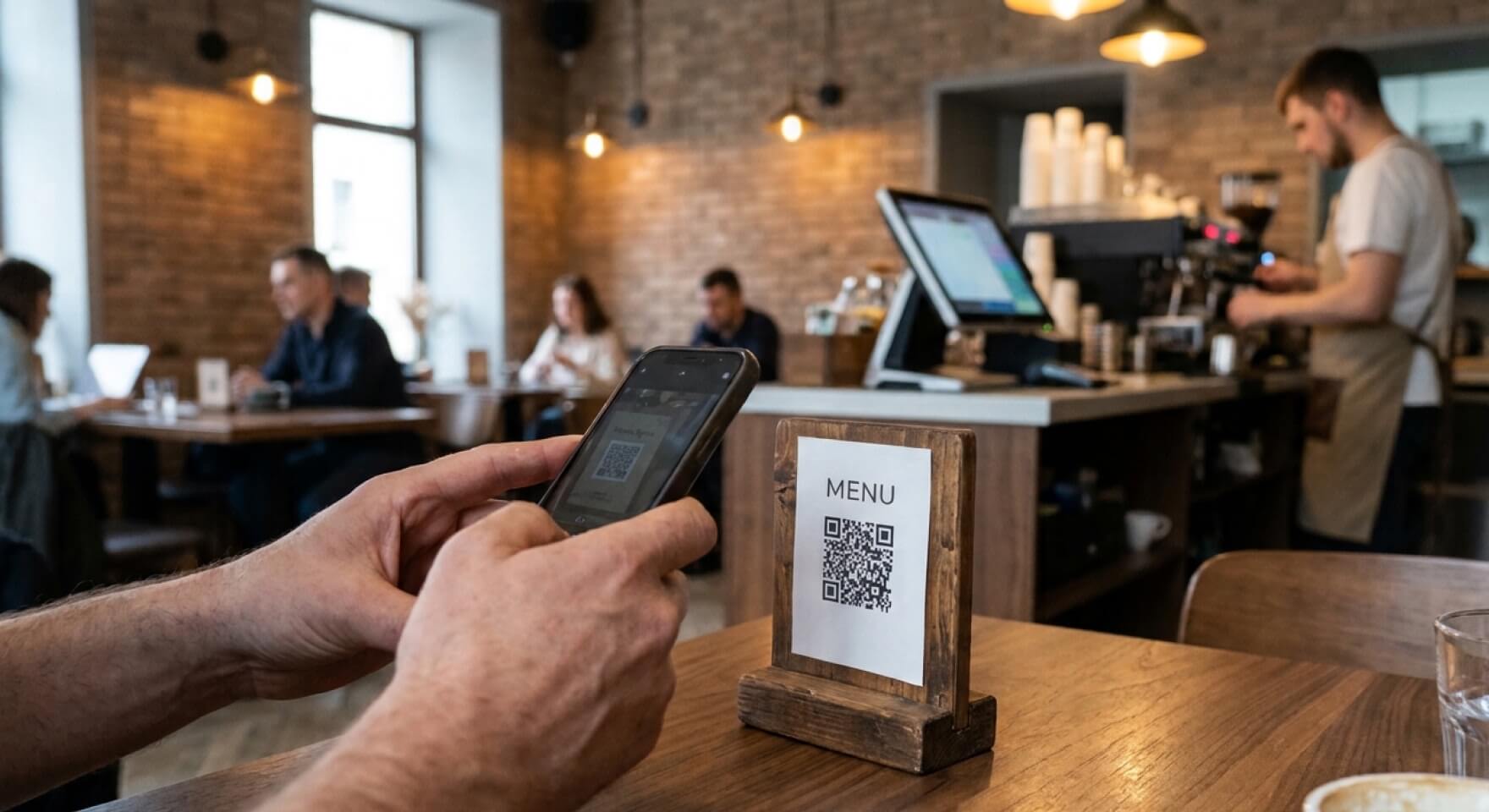
Quarterly reprinting of menus whenever ingredient prices change eats up to €500, while waiting for a server during peak hours reduces table turnover by 20%. Switching to a digital QR menu for a cafe or restaurant solves both issues: guests view up-to-date items from their smartphones, while the venue speeds up service and saves on printing. A full-featured electronic menu and order-taking automation restores control over margins and takes the load off floor staff.
Updating paper menus for a 20-table venue costs from €200 per print run. When food costs fluctuate monthly, maintaining printed menus hits your P&L hard. A digital menu pays for itself within a single price-change cycle: all you need is QR code stickers on the tables. The owner can edit the menu independently, keeping just 3–5 printed copies for traditional guests.
Restaurateurs often confuse three tools with very different capabilities. The first is a static PDF file linked to a QR code: it is inconvenient to scroll on smartphones, and every edit requires re-uploading. The second is an interactive digital menu that requires no app installation and opens in a browser or dedicated app after scanning the code. The third is a complete restaurant QR menu with a shopping cart, allowing guests to order directly from the table and instantly accelerating service.
When the kitchen runs out of salmon and staff only find out after taking an order, the venue loses guest loyalty. A properly configured online restaurant menu syncs inventory balances with zero delay. Menu accuracy is maintained in one click: the manager marks an item as out of stock, and the menu page updates automatically.
Text without visuals sells 30% worse. High-quality dish photos, accurate ingredient descriptions, and allergen labels eliminate unnecessary questions. When guests see portion weights and components of dishes and drinks, decisions are made faster. An intuitive interface suggests popular drinks alongside main courses, increasing view-to-closed-check conversion.
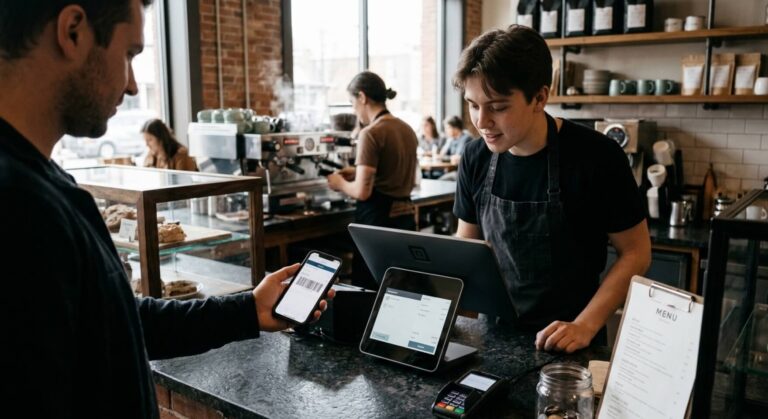
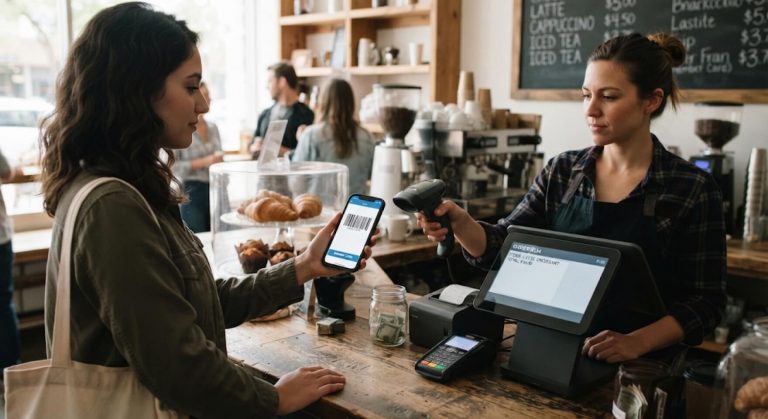
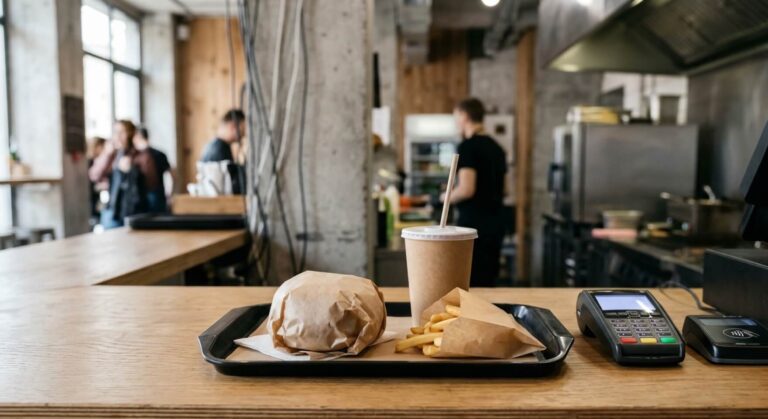
In burger joints or high-traffic cafes, a self-ordering digital cafe menu eliminates counter queues: the customer scans the code with their camera, selects dishes, and pays. In evening full-service venues, completely replacing human interaction with a digital QR menu kills the atmosphere. Here, a restaurant QR menu acts as an assistant: the waiter takes the main order via the SyrveWaiter mobile app, while the guest orders extra drinks on their own.
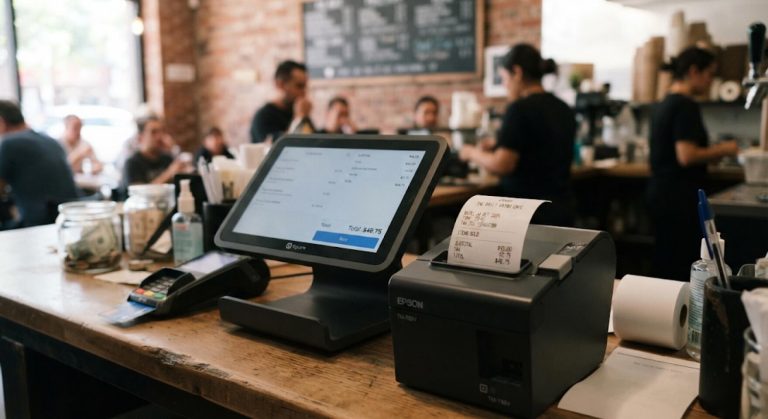
A standalone website without POS data exchange forces staff to manually re-enter items into the terminal. Deep integration with a POS system turns a restaurant’s digital menu into a single ecosystem. When a POS system with a kitchen screen is running, the order goes straight to the chef’s KDS monitor. From Restasystem’s practice: connecting the restaurant menu database to Syrve cuts the time from guest click to cooking start by 4–6 minutes, while the cash register reliably processes payments even without internet.
A printed booklet will never show which page a customer closed it on. An online menu, however, tracks clicks and item card view depth. By conducting regular ABC menu analysis, a manager spots the gap between interest and purchase: if a dish is opened but not ordered, the issue lies in the price or photo. The owner tracks all sales metrics via the Syrve dashboard panel from a smartphone.
A new server on the floor often forgets to suggest a sauce or dessert during a rush, whereas an algorithm never forgets. An interactive QR menu automates upsells through “Goes well with” blocks and combo deals. If you are looking at how to increase the average check without pressuring your team, configure mandatory modifiers. Smart prompts in the digital catalog boost order value by 12–18%.
This technology does not suit every hospitality format. In fine dining, craft wine bars, or private clubs, replacing a sommelier with a QR code menu diminishes the value of the visit. A QR code menu also performs poorly in venues with an older demographic or basement locations with weak mobile reception and no stable Wi-Fi for menu access.
To build your menu and launch the project without halting floor operations, follow a clear plan. On days one and two, audit your assortment and photograph top-selling items. On days three and four, choose your software: a specialized menu builder lets you configure venue categories, enable feedback collection, and test core features for free. Comprehensive automation with Syrve synchronizes your item catalog with the POS and inventory. On day five, generate QR codes for each table, and run a staff test over the weekend. A well-designed restaurant QR menu significantly simplifies business processes, improves service speed, and enhances convenience for your guests.